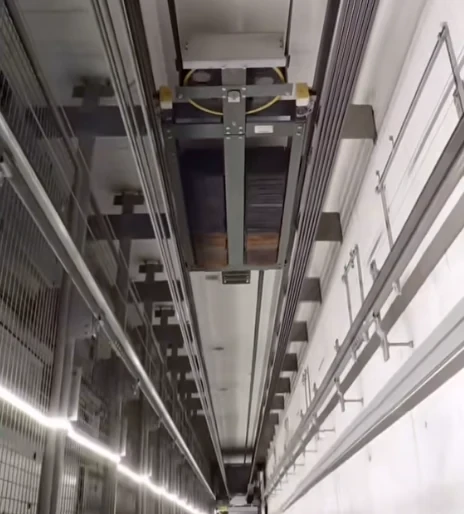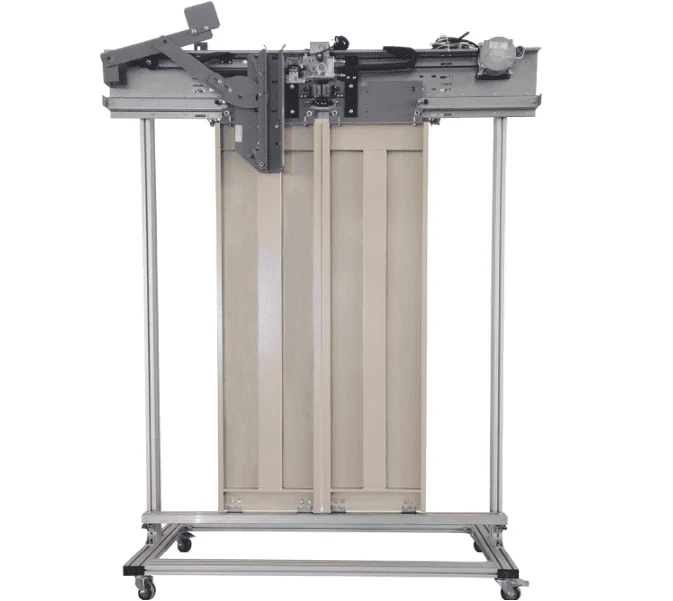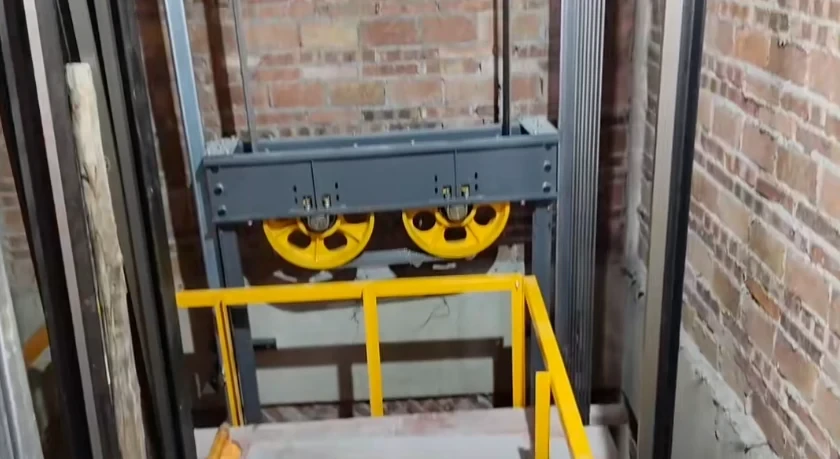
I. Device Type Specifications
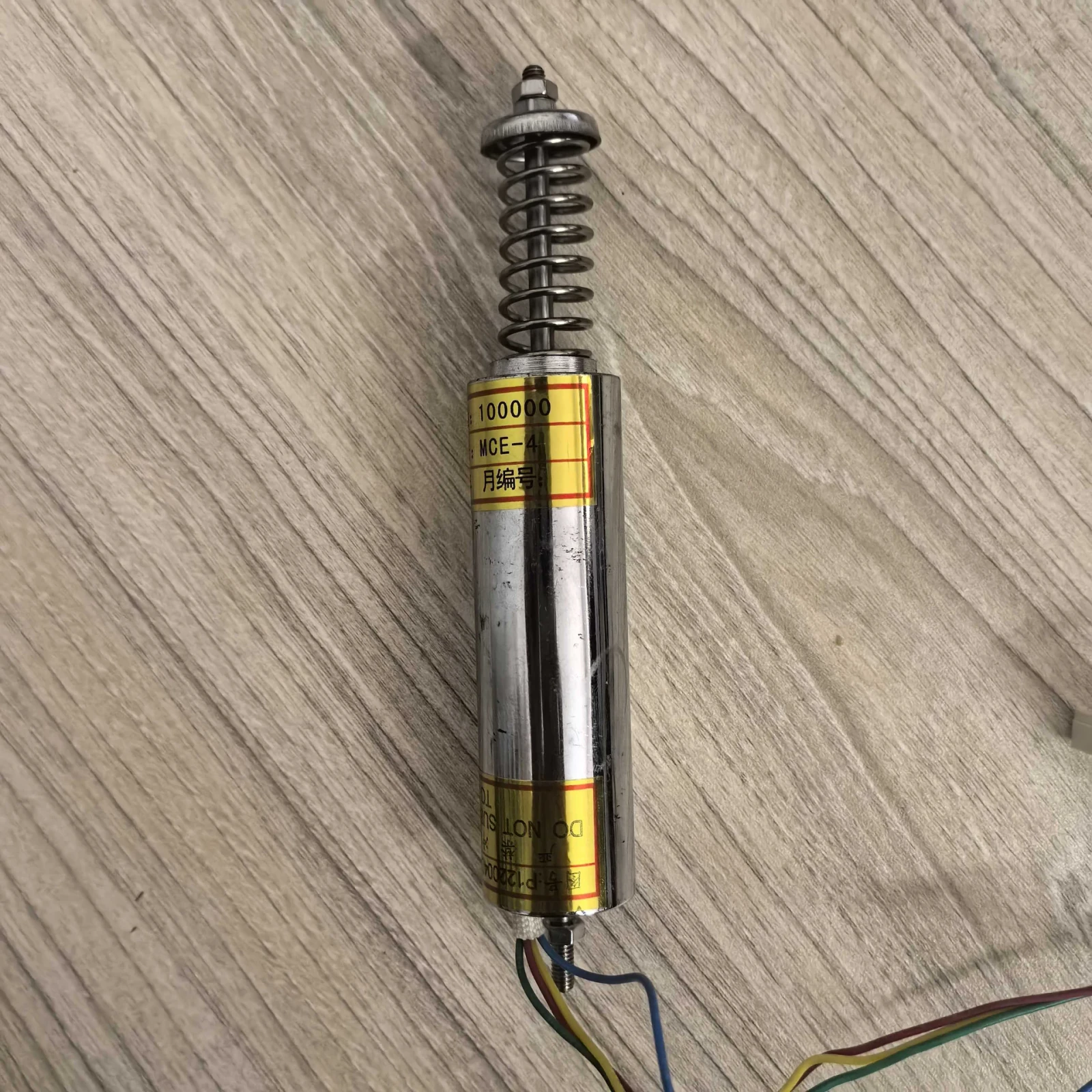
Rope Head Device Types
-
Angle Adjustment Type:Load detection via mechanical plate angle
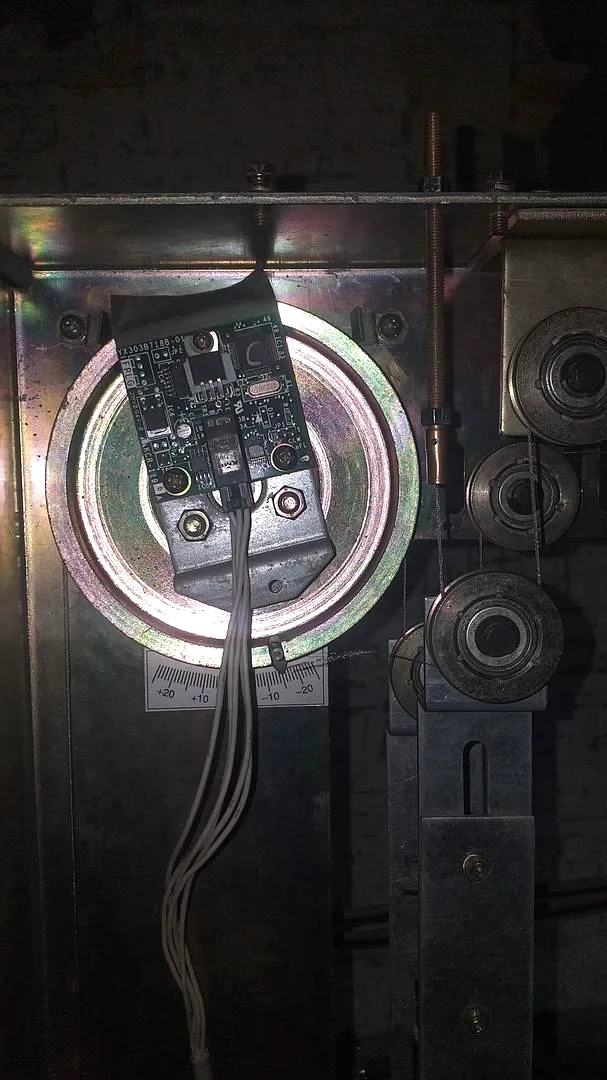
-
Differential Transformer Type:Signal generation through spring dimension (Calibration required only for no-load)
II. Basic Calibration Procedures
1. No-Load Calibration
Pre-operation Checks
-
Verify empty cabin with leveling accuracy ≤±2mm
Device-Specific Operations
-
Angle Adjustment Type:
Set rope head plate angle to -15°~-20° (Use protractor) -
Differential Transformer Type:
Adjust spring free length to 37.5mm with caliper (Tolerance ±0.5mm)
Common Steps
-
Set elevator to FULL AUTO mode and send to bottom floor
-
Cabin control panel settings:
-
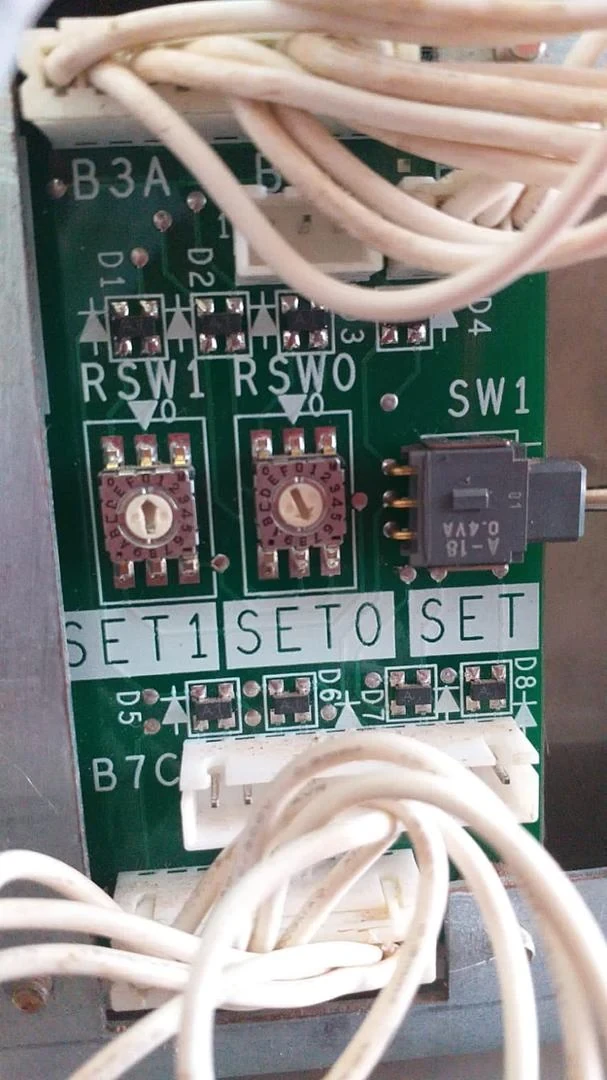
Potentiometers
SET1=0,SET0=2 -
Toggle SW1 downwArd, display shows "A2"
-
-
Elevator ascends to top floor automatically
2. Half-Load Calibration
Device-Specific Operations
-
Angle Adjustment Type:
Apply 50% rated load OR adjust plate to 0°~5° -
Differential Transformer Type:
Apply 50% rated load,no mechanical adjustment required
Common Steps
-
Set elevator to FULL AUTO mode and send to bottom floor
-
Cabin control panel settings:
-
Potentiometers
SET1=0,SET0=3 -
Toggle SW1 downward, display shows "A3"
-
-
Elevator ascends to top floor automatically
3. Compensation Writing (Critical)
-
Maintain empty cabin condition
-
Set elevator to FULL AUTO mode and send to bottom floor
-
Cabin control panel settings:
-
Potentiometers
SET1=0,SET0=7 -
Toggle SW1 switch downward, display shows "A7"
-
-
Repeat process ≥3 times to minimize inter-floor errors
III. Advanced Functions
1. Load Weighing Disable
-
Set
SET1=4,SET0=0 -
Quickly toggle SW1 twice, display shows "4-0"
2. Real-Time Load Percentage
-
Set
SET1=7,SET0=4 -
Toggle SW1 once, display shows current load (e.g.,
65%)
3. No-Load/Half-Load Data Retrieval
| Mode | Parameters | Action | Data Output |
|---|---|---|---|
| No-Load | SET1=7 SET0=2 | Toggle SW1 twice | 4-digit reference value |
| Half-Load | SET1=7 SET0=3 | Toggle SW1 twice | 4-digit calibration value |
Disclaimer: Qualified personnel only. Never perform live circuit operations.
This guide is compiled from publicly available technical documents.
Always refer to official Mitsubishi manuals for precise operations.
Warning: Never interrupt power during compensation writing (risks EEPROM corruption).