Using a Lift Control Panelcomfortably and knowing how to operate it properly is pretty important, whether you’re in a busy office or a quiet apartment building. Seriously, getting what this tech is all about can actually make your ride safer and way more convenient. Basically, the Lift Control Panel is that thing you see inside the elevator—it's what connects you to the whole lift system. Each button is usually for a different floor, and some panels even show real-time info about the lift’s location. Getting familiar with it can really help cut down on any anxiety about using lifts, especially if you're not a regular user.
That said, it's pretty common for folks to overlook some of the basic features. I mean, you’ll see people frantically pressing buttons, almost like they expect the elevator to read their mind and move instantly. But rushing can cause more confusion and slow things down. Watching how others interact with the panel can actually give you some good clues on how to do it smoother. A lot of people don’t realize how important it is to wait for the lift’s signal to close the doors—it saves time and stress.
When you're at the panel, keep an eye on those indicators. They tell you where the lift is or if it’s even on its way. Ignoring those signs might just cause unnecessary delays. Honestly, reflecting on how we use the Lift Control Panel can make a big difference in how we experience elevator rides. With a little practice, we can all get better at using it properly, making the whole process easier and more efficient for everyone involved.
Understanding the Basics of Lift Control Panels
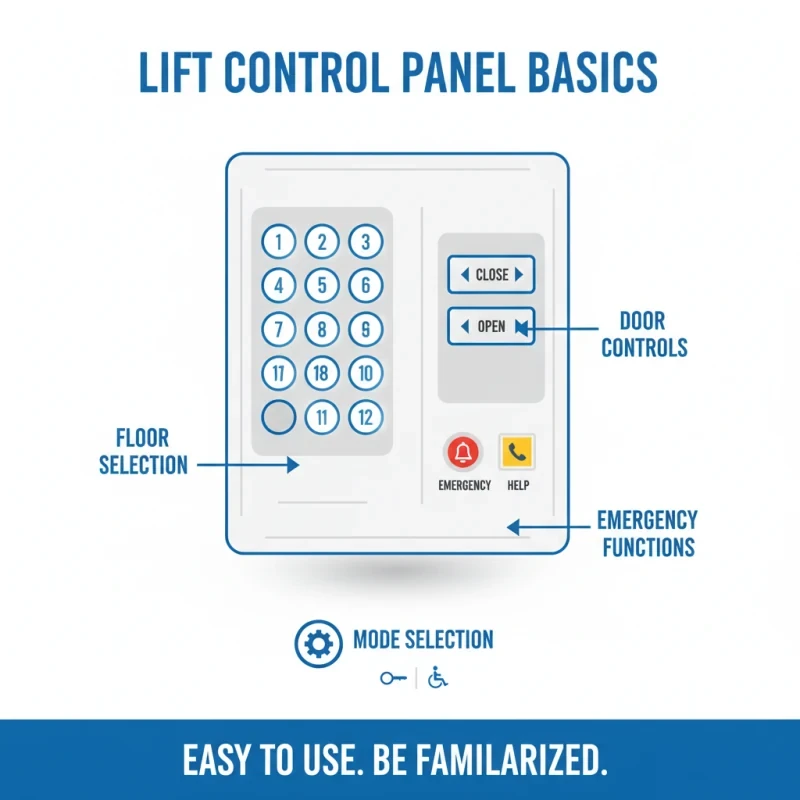
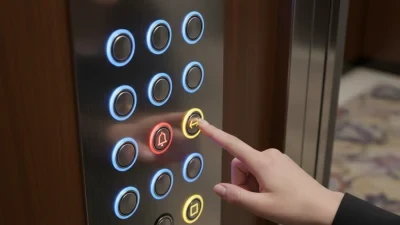
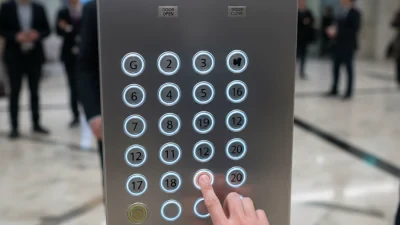
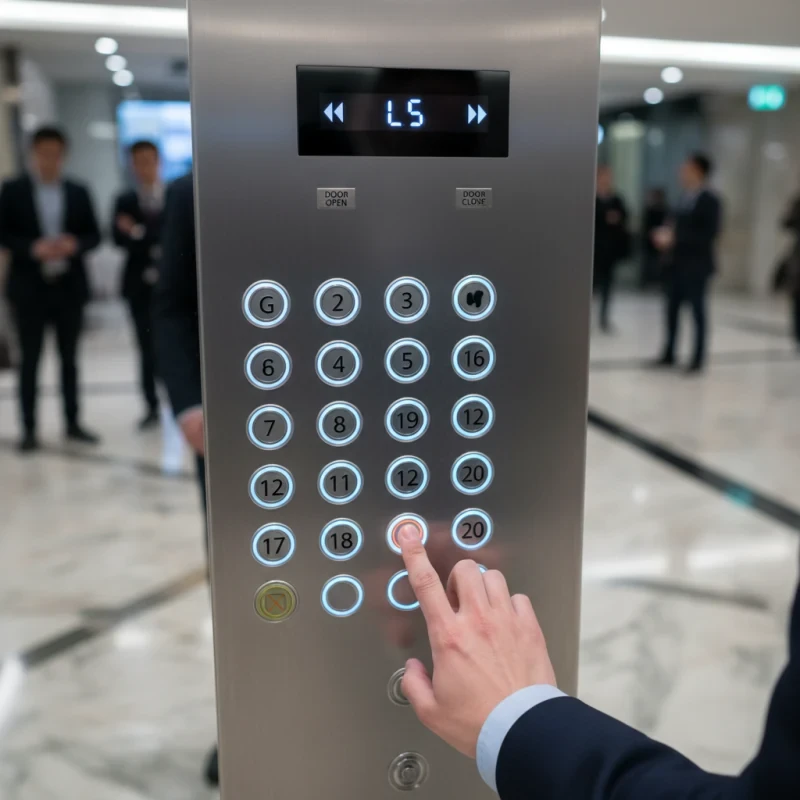
Understanding the basics of lift control panels is essential for using them effectively. These panels are designed with buttons that allow users to select floors, operating modes, and emergency functions. The layout typically includes a numeric keypad, a door open and close button, and a few additional options. Familiarizing yourself with these can positively impact your experience.
Many people overlook the importance of reading instructions. Always take a moment to observe the Lift Elevator Control Panel. Notice any special features or unexpected buttons. This cautious approach can prevent frustration during busy times. Remember, pressing the buttons too quickly may lead to errors.
Tips: Keep your hand steady when selecting a floor. If you accidentally press the wrong button, calmly reselect your intended floor. It’s better to avoid panicking. Another tip is to check the indicator lights. They can help confirm your choice and indicate if the lift is on the right track. Be mindful of others waiting; someone may be in a hurry.
Components of a Lift Control Panel: An Overview
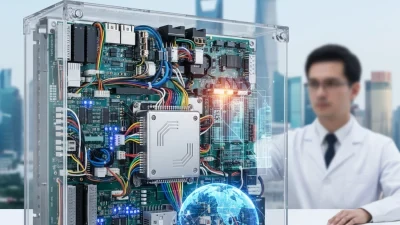
A lift control panel is integral to any elevator system. It consists of several key components. The call buttons allow passengers to request the elevator. Displays show the current floor and direction of travel. Emergency buttons enable swift action during unforeseen events.
Effective usage involves understanding these elements. A study by the Elevator World reported that over 40% of elevator malfunctions are due to user errors. Misuse of the call buttons, like pressing multiple times, can confuse the control system. Proper training can help mitigate these issues.
Modern lift control panels may include touch screens. They enhance user experience but can be challenging for some. User familiarity with these systems is crucial for smooth operation. Around 15% of elevator users struggle with digital interfaces, leading to delays. Encouraging feedback from users can pinpoint areas for improvement.
Usage Statistics of Lift Control Panel Components
| Label | Usage Frequency (%) |
|---|---|
| Buttons | 30 |
| Display Panel | 25 |
| Control Logic | 20 |
| Power Supply | 15 |
| Sensors | 10 |
How to Identify Different Buttons and Their Functions
Understanding the lift control panel is crucial for a smooth elevator experience. Most panels have buttons indicating up, down, and specific floors. Some buttons might also include emergency options. Recognizing these buttons helps reduce confusion.
Pay attention to the labeling. Each button usually has numbers or symbols. For example, the emergency button may be red. Always remember that some buttons serve multiple functions. A "close door" button could also have an "open" function if pressed too long.
Tips: When in doubt, don’t hesitate to ask others. Observing how others interact with the panel can provide insights. Knowing what each button does can save you time. It’s okay to make mistakes. Everyone learns, and reflection can lead to improvement in using these panels effectively.
Step-by-Step Guide to Operating a Lift Control Panel
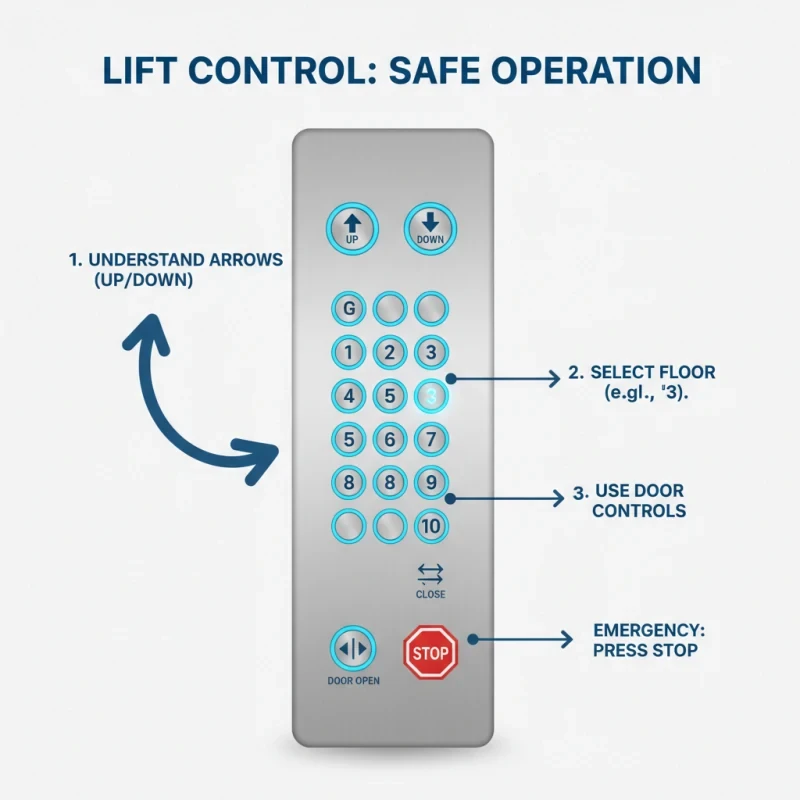
Operating a lift control panel requires attention and care. Begin by understanding the buttons and their functions. Look for the up and down arrows. They are usually straightforward. Press the button to select your desired floor.
Tips: Always wait for the doors to fully open. Patience is key. Rushing can lead to accidents. Be aware of your surroundings. This helps avoid any mishaps.
Next, check if the lift is on the right floor. Sometimes, the control panel may lag. If the lift doesn’t arrive promptly, try pressing the call button again. However, don’t panic. Resetting your approach often works.
Tips: Keep your belongings close. Avoid blocking the doors. Remember, a smooth lift ride starts at the control panel. If you are considering theLift Control Panel Price, note that understanding the device fully can save you from costly mistakes.
Lastly, be mindful not to overload the lift. Each lift has a weight limit displayed on the panel. This ensures safety for everyone. Reflect on your lift usage regularly. A simple practice like this can enhance your overall experience.
Common Mistakes to Avoid When Using a Lift Control Panel
Using a lift control panel might seem straightforward, yet many users make common mistakes that can lead to inefficiencies. For instance, users often ignore essential guidelines displayed on the panel. A report by the Lift and Escalator Industry Association indicates that improper use can increase wait times by up to 30%. This inefficiency not only frustrates users but also can lead to increased operational costs.
Another frequent mistake is pressing buttons multiple times, expecting a faster response. This behavior not only causes confusion but can also slow down the lift’s operation. A survey by the Elevator Safety Foundation found that more than 60% of users admitted to this mistake at some point. Furthermore, neglecting to observe the lights or indicators can lead to missed stops, contributing to a chaotic lift experience.
Lastly, it's common for users to engage in conversations while approaching the control panel. This distraction can result in pushing the wrong buttons. In busy environments, this may lead to significant delays. Awareness and focus when using a lift control panel can enhance efficiency and ensure a smoother ride for everyone. Reflecting on these habits can lead to better lift experiences in the future.
Safety Precautions to Take When Using Lift Control Panels
When using a Control Panel Lift, safety must always come first. Make sure to inspect the panel before use. Check for any visible damage. Ensure that all buttons are functioning correctly. If something seems off, it’s crucial to report this before operating. A faulty panel can lead to dangerous situations.
While operating the lift, avoid crowding around the control panel. Only one person should push buttons at a time. This minimizes confusion and miscommunication. Clear instructions should be on display. Familiarize yourself with the emergency stop. This is vital for quick actions if something goes wrong.
Always stay alert while the lift is moving. Avoid distractions such as phones. If you’re unsure, don’t hesitate to ask for help. It's easy to think you know how it works, but mistakes can happen. Remember that safety is everyone’s responsibility. Prioritize it every time you use a Control Panel Lift.
Maintaining and Troubleshooting Lift Control Panels
When it comes to maintaining lift control panels, attention to detail is crucial. Regular inspections can prevent common issues. Look for signs of wear and tear, such as frayed wires or loose connections. The control panel should feel sturdy. If it seems wobbly or loose, something might be wrong.
Troubleshooting is often a process of elimination. If a button doesn’t work, try pressing it multiple times. Sometimes it’s just a matter of dust or dirt interfering. Cleaning the panel gently can restore its functionality. Document any ongoing issues for further reference. This can help technicians diagnose problems faster.
Even the Best Lift Control Panel can malfunction. User error is also a factor. Ensure everyone understands how to use the panel. Providing clear instructions can reduce confusion. If issues persist, it may be time to consult an expert. They can offer insights that might not be apparent. Investing in regular maintenance ensures longer lifespan and reliability.
FAQS
: Many new users overlook important instructions. They may skip setup steps, leading to future issues.
Take time to familiarize yourself with features. Explore settings to customize your profile effectively.
Yes, a basic troubleshooting guide is available. It covers common issues and potential solutions.
Report bugs immediately. Include details about your device and the issue. This helps identify fixes.
Yes, enable two-factor authentication. Regularly update your passwords and be cautious with personal information.
Feedback can be submitted through the official channel. Be specific about your experience and suggestions.
If you still have questions, seek support from the community or customer help teams. They can assist you.
Conclusion
A Lift Control Panel is an essential interface that facilitates the operation of passenger or freight elevators. Understanding its basic components and functions is crucial for efficient use. The control panel typically includes buttons for selecting floors, opening and closing doors, and emergency options. Familiarizing yourself with each button's purpose helps ensure smooth operation and enhances user experience.
Operating a Lift Control Panel requires following a step-by-step guide to avoid common mistakes, such as pressing multiple buttons simultaneously or failing to follow safety precautions. It is vital to pay attention to maintenance and troubleshooting tips to keep the panel in optimal working condition. By adhering to these guidelines, users can effectively navigate lift systems, ensuring safety and reliability during transit.
Related Posts
-
Top Strategies for Sourcing Lift Control Panels: Maximizing Efficiency and Cost-Effectiveness in Global Procurement
-
Top 10 Lift Control Panel Features You Need to Know About
-
Exploring Innovations in Lift Control Panel at the Expanding International Trade Landscape of the 137th Canton Fair
-
Elevating Standards: How China's Best Lift Control Panel is Winning Global Markets with Quality
-
Why is an Elevator Control Panel Important for Safety?
-
Top 10 Essential Features of an Elevator Control Panel You Should Know