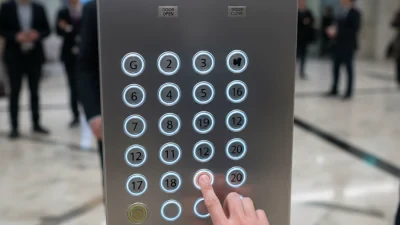
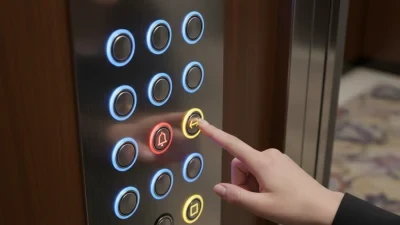
Using a Lift Control Panel properly is pretty important if you want things to run smoothly in any building. It’s basically the first thing users see and interact with. If you get to know how it works and what all those buttons do, your overall experience will be way better.
Usually, a Lift control panel has buttons for choosing floors, emergency options, and sometimes special features. Each button is like a shortcut to a specific floor or function. But, if you’re not careful and start pressing randomly, it can cause delays or some confusion. So, take a moment to look at the panel before you start pressing away.
From my own past experiences, I’ve noticed that many folks just rush through and skip reading the instructions. That usually leads to mistakes or unnecessary hold-ups. So, I’d say, take your time to get familiar with the panel. A small oversight can really frustrate everyone involved. Basically, making good use of the lift control panel just comes down to paying attention and understanding how it works—that’s the key to avoiding problems and keeping things running smoothly.
Understanding the Basics of Lift Control Panels
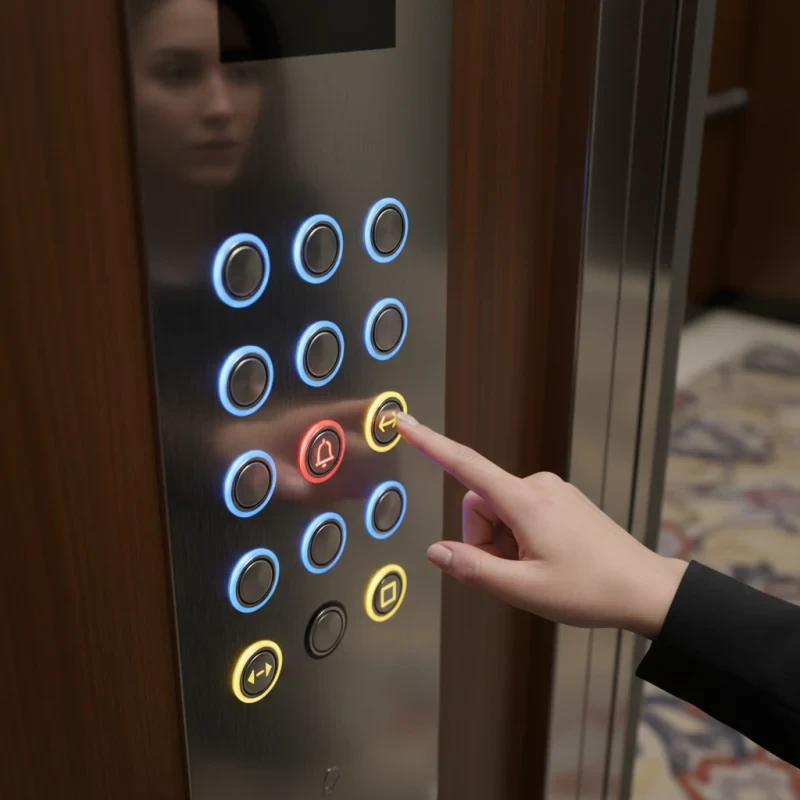
Lift control panels are essential tools for navigating elevators smoothly and safely. Understanding their basics enhances your experience. Buttons usually include floor numbers, an emergency button, and indicators. Each button serves a specific purpose, making it vital to familiarize yourself with them.
When using a lift control panel, always check the indicator lights. They show which direction the lift is traveling. Sometimes, people overlook this detail and press buttons unnecessarily. This can lead to confusion. Take a moment to assess the situation. A little patience goes a long way.
Here are a few tips to enhance your lift experience. Always press the button firmly. If the lift doesn’t respond immediately, don’t panic. Sometimes, the system takes a moment to register. Remember to hold the door open button if someone needs assistance. This small act can make a big difference.
Lift Control Panel Usage Statistics
| Time of Day | Number of Users |
|---|---|
| Morning | 50 |
| Afternoon | 150 |
| Evening | 100 |
| Night | 30 |
Identifying Key Components of a Lift Control Panel
The Lift Elevator Control Panel is essential for smooth operations. Understanding its key components can greatly enhance efficiency. Most panels feature buttons for floor selection, emergency stop, and door controls. The layout may vary, but familiarity with these buttons is crucial for safety.
Many reports indicate that user errors account for a significant percentage of lift malfunctions. For instance, a 2022 study by the International Elevator and Escalator Industry Association noted that 30% of calls to emergency services involved improper use of control panels. This highlights the importance of clear labeling. Intuitive designs can minimize confusion and improve response times during emergencies.
Another vital aspect is the feedback mechanism. Indicators, such as lights, provide users with real-time information about the lift's status. However, not all panels have clear indicators. Inconsistent signals may lead to miscommunication among passengers. This lack of clarity can create anxiety, especially in high-pressure situations. Users must remain vigilant and prioritize communication when using the Lift Elevator Control Panel. A well-designed panel allows for a seamless experience, yet imperfections in design can lead to mishaps.
Common Lift Control Panel Functions and Their Uses
Understanding the common lift control panel functions is essential for effective elevator operation. Most panels include buttons for specific floors, an emergency stop, and door open/close controls. A study indicates that 55% of lift malfunctions occur due to misuse of these buttons. Proper education on how to use them can greatly reduce downtime.
In addition, features like display screens and emergency Intercoms enhance user experience and safety. Display screens might show floor numbers or maintenance alerts. Reports suggest that lifts with real-time monitoring systems reduce maintenance costs by up to30%. However, not all buildings invest in such advanced systems, often due to high Lift Control Panel Price. This can lead to outdated technology in some elevators, increasing the likelihood of user errors.
Many users fail to recognize the significance of the emergency features. In case of malfunction, knowing how to use the panel’s emergency functions can be lifesaving. Regular training for staff and maintenance teams can improve safety awareness. Skipping this step can lead to unpreparedness, which is a concern in public buildings. Indeed, the effectiveness of a lift control panel heavily relies on user knowledge and facility investment.
Step-by-Step Guide to Operating a Lift Control Panel
Operating a lift control panel may seem simple, but it requires attention. Each button has a specific function. Before pressing any button, read the instructions carefully. Understanding the symbols can prevent errors.
Make sure to wait for the lift to arrive completely. Stepping in too early can lead to accidents. Once inside, close the doors securely. This ensures safety and avoids unnecessary stops. Press the desired floor button gently. Too much force isn't needed.
Sometimes, confusion can arise from the layout of the panel. It’s common to press the wrong button. If you do, don’t panic. Just press the button for your intended floor again. Communication with other passengers is crucial. If someone is unsure, kindly assist them. This creates a more comfortable atmosphere for everyone.
Safety Precautions When Using a Lift Control Panel
When using a lift control panel, safety should always come first. Always ensure you are aware of your surroundings. Before entering the lift, check if anyone is exiting. Crowded spaces increase the risk of accidents. It’s essential to be patient and wait for your turn.
Tips:
- Stand clear of the lift doors.
- Do not rush inside.
- Follow the posted occupancy limits.
- Overloading can cause dangerous malfunctions.
Tips:
- If the lift stops, stay calm.
- Press the emergency button only if necessary.
- Help may take some time but will come.
- Remember, always have a plan. Knowing what to do in emergencies reduces panic and enhances safety.
Troubleshooting Common Issues with Lift Control Panels
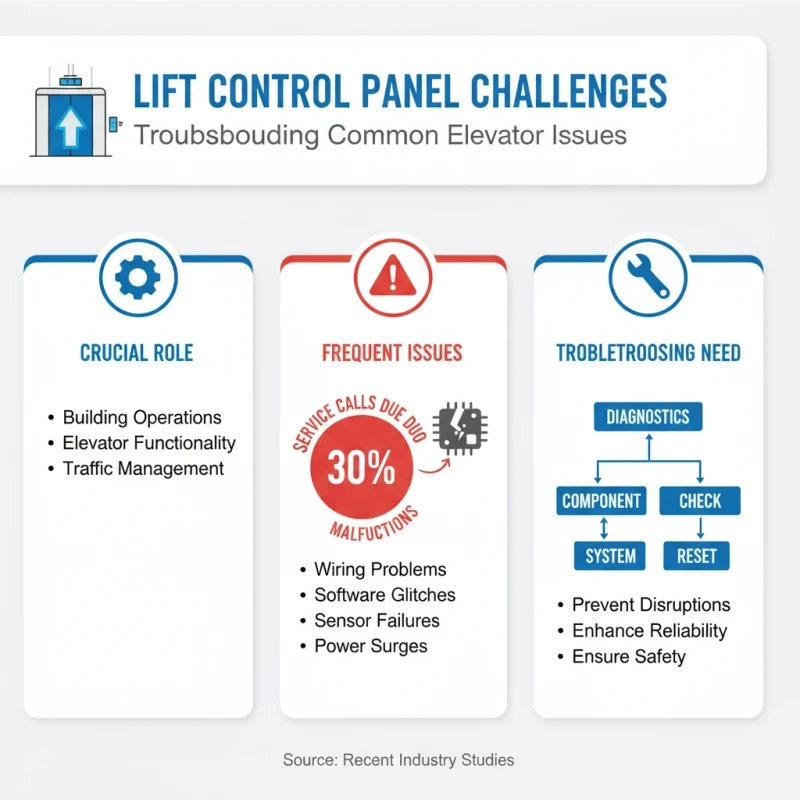
Lift control panels play a crucial role in building operations. Yet, issues frequently arise that can disrupt their effectiveness. According to recent industry studies, nearly 30% of service calls for elevators are related to control panel malfunctions. This highlights the need for proper troubleshooting techniques.
One common problem involves unresponsive buttons. Users may become frustrated when pressing a button yields no result. Often, dirt buildup or missed maintenance causes these glitches. Regular cleaning can prevent such issues. Additionally, some models face software bugs that require a system reset. Users should be aware of these minor problems, as they can lead to significant downtime.
Another frequent issue includes error messages displayed on the panel. An estimated 20% of elevators experience such errors due to miscommunication between the control panel and the elevator system. Understanding these messages is key. Operators should consult manuals for error codes and consider a professional service if they persist. The Best Lift Control Panel will help minimize user frustration and ensure smoother operations in various environments. By being proactive, many issues can be avoided altogether.
Best Practices for Efficient Lift Control Panel Usage
Using a lift control panel effectively is essential for smooth operation. A clear understanding of each button and function is crucial. Familiarize yourself with the indicators and alerts on the panel. This awareness helps in responding promptly to emergency situations.
When operating the lift, always check the weight limit. Overloading can cause delays and possible malfunctions. It’s important to communicate with others waiting for the lift. A quick glance at the panel can prevent confusion. Minimize distractions while using the lift controls. Focus is key to making efficient decisions.
Reflect on your habits. Do you often hesitate before pressing a button? This can waste time for everyone. Take note of how many times you press the call button. Excessive pressing does not speed up the lift. Instead, consider waiting patiently for the service you need. Taking these steps can enhance the overall lift experience for everyone involved.
Essential Components for Elevator Access Control: Exploring the CV180, CV190 Motherboards and PU-MLT-A Control Boards
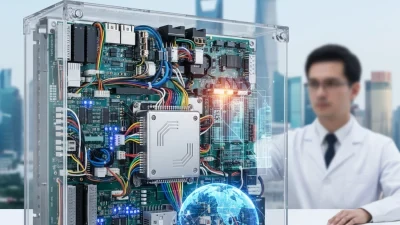
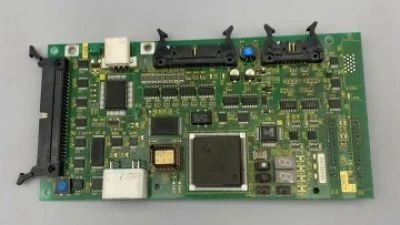
Elevator access control is becoming increasingly essential in modern building security systems. The CV180 and CV190 motherboards are at the forefront of this technology, offering advanced features that enhance the management and security of elevator access. These motherboards are designed to seamlessly integrate with various control boards, including the PU-MLT-A, providing a comprehensive solution for controlling and monitoring elevator systems.
The CV180 motherboard is particularly noted for its robust performance and flexibility, allowing for easy customization according to specific building requirements. Its user-friendly interface and compatibility with multiple control systems make it a preferred choice for system integrators. Similarly, the CV190 motherboard boasts enhanced processing capabilities and expanded connectivity options, enabling efficient communication between the elevator system and user access points.
In conjunction with these motherboards, the PU-MLT-A control board plays a crucial role in the management of elevator access. This control board facilitates real-time monitoring and ensures that only authorized personnel can access designated floors. Its advanced features support advanced functionalities such as report generation and user tracking, adding an extra layer of security. Together, the CV180 and CV190 motherboards along with the PU-MLT-A control board form an essential toolkit for establishing reliable elevator access control systems, providing both efficiency and peace of mind in building management.
FAQS
: Check the manual for troubleshooting tips. If unresolved, reach out to customer support for assistance.
The warranty typically lasts for one year from the purchase date. Keep your receipt as proof of purchase.
Yes, returns are accepted within 30 days. Make sure the product is in its original condition and packaging.
You can usually find a digital version online. Search for the product model and "manual."
Regular maintenance is recommended every few months. Check for wear and look for any signs of damage.
Yes, use a soft cloth and mild detergent. Avoid harsh chemicals as they may damage the surface.
Most products include basic accessories. Check the product listing for a complete list of what’s included.
It’s generally not advised. Extreme conditions can lead to malfunction or damage.
Yes, improper use can lead to damage or decrease performance. Always follow the provided instructions carefully.
Feedback can be shared through surveys or directly with customer service. Your opinions are valued for improvements.
Conclusion
The article "How to Use a Lift Control Panel Effectively?" provides a comprehensive guide to mastering lift control panels. It begins by explaining the fundamental concepts and key components of these panels, ensuring users understand their essential functions. The article progresses to outline common uses of the lift control panel, followed by a detailed step-by-step guide on how to operate it efficiently.
Safety is emphasized throughout the article, highlighting necessary precautions users must take while using lift control panels. Additionally, it addresses troubleshooting tips for common issues that may arise, ensuring users can resolve minor problems independently. Finally, the article presents best practices for optimal lift control panel usage, ensuring a safe and efficient lift operation experience. By following this comprehensive guide, users can enhance their confidence and competence in utilizing lift control panels effectively.
Related Posts
-

Top 10 Elevator Control Panel Manufacturers from China at the 137th Canton Fair
-
Exploring Innovations in Lift Control Panel at the Expanding International Trade Landscape of the 137th Canton Fair
-
Top Strategies for Sourcing Lift Control Panels: Maximizing Efficiency and Cost-Effectiveness in Global Procurement
-
Top 10 Lift Control Panel Features You Need to Know About
-
What is a Lift Control Panel and How Does It Revolutionize Vertical Transportation?
-
Common Issues Faced with Lift Control Panels and How to Address Them